
10 — Custom CSS classes
One field, and it is not what most people expect.
What this page is
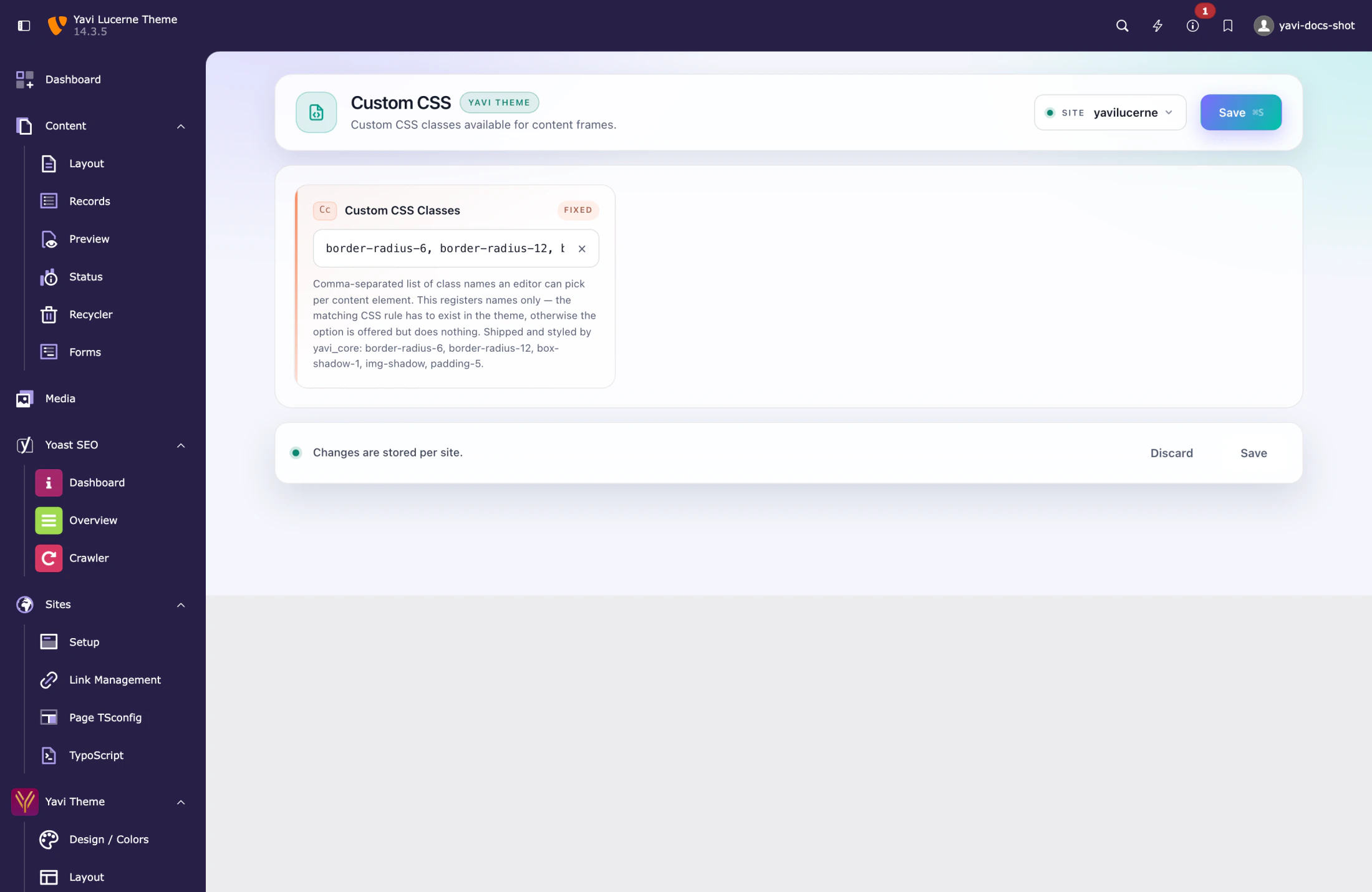
Custom CSS is a class picker, not a CSS editor. The field holds a comma-separated list of class names. Those names then appear as a multi-select on every content element under Appearance, so editors can attach them without knowing any CSS.
Default:
border-radius-6, border-radius-12, box-shadow-1, img-shadow, padding-5What it is not
It does not accept CSS rules. Writing
.my-class { color: red }into the field gives you a class literally named .my-class { color: red } in the dropdown, and no styling. The rules themselves live in the theme's SCSS (layer 3).
Adding your own class
Two steps, in this order:
1. Define the rule in your theme, e.g. packages/yavi-lucerne/Resources/Public/Scss/Skin/_custom.scss:
.frame-highlight {
  border-left: 4px solid var(--theme-secondary);
  padding-left: 1.5rem;
}
2. Announce the class on this page:
border-radius-6, border-radius-12, box-shadow-1, img-shadow, padding-5, frame-highlightFlush the cache. The class is now offered to editors.
Do not leave the field empty
An empty field removes the picker from every content element, and any class an editor already attached stops being offered — the value stays in the database but cannot be re-selected. If you want no custom classes, keep the field at its default rather than clearing it.
Where the classes land
On the element's frame — the outer <div> that also carries the spacing and background classes. They therefore affect the whole element, not just its text.
Naming
Prefix classes so they cannot collide with Bootstrap: frame-…, yavi-…, <client>-…. shadow, rounded or wide will one day mean something else in Bootstrap and silently change your site.