
01 — Introduction and architecture
What Yavi is
Yavi is a family of TYPO3 extensions:
| Extension | Composer name | Role |
|---|---|---|
yavi_core | webagentur-yahya/yavi-core | The framework: content elements, backend module, navigation variants, token system. Contains no brand design. |
yavi_lucerne | webagentur-yahya/yavi-lucerne | A theme: business/agency look. Navy + gold, Inter. |
yavi_core builds on Bootstrap Package (bk2k/bootstrap-package) and adds to it rather than replacing it: Bootstrap Package's content elements, image handling and SCSS compilation stay in place.
One rule that explains most of the design
yavi_core is the framework, not a design. Every value that makes a site look like Lucerne — the navy, the gold, Inter, the header proportions, the corner radii — lives in the theme, never in core.This is why yavi_core ships neutral greys as defaults and why a theme declares its values completely rather than as a deviation: a sibling theme can then never inherit a value by accident.
The four layers
Before changing anything, decide which layer the change belongs to. Picking the wrong layer is the most common mistake made with this system.
| Layer | Where | Applies to | Deployment needed |
|---|---|---|---|
| 1 — Site settings | Backend module Yavi Theme → config/sites/<id>/settings.yaml | one site | no |
| 2 — Theme Set | packages/<theme>/Configuration/Sets/Full/settings.yaml | every site using that theme | yes |
| 3 — Theme SCSS | packages/<theme>/Resources/Public/Scss/ | every site using that theme | yes |
| 4 — Core | packages/yavi-core/ | every theme, every client | yes |
Rule of thumb: anything that concerns only this client → layer 1. Anything that is the design → layer 2 or 3. Layer 4 only for genuine bugs or for features that benefit everyone.
A value set on a higher layer wins. An empty field on layer 1 does not mean "no value" — it means "fall through to layer 2, then 4".
How a page is styled
Site settings (layer 1)
        │  written by the backend module into config/sites/<id>/settings.yaml
        ▼
ThemeCssVariablesRenderer  →  <style> :root { --card-radius: …; --navbar-height: … } </style>
        │
        ▼
theme-<hash>.css  ←  compiled server-side from SCSS by scssphp (Bootstrap Package)
        │              Structure/*.scss  (geometry, behaviour — core)
        │              Skin/*.scss       (colour, shadow, decoration — theme may replace)
        ▼
the rendered page
Two consequences worth remembering:
- There is no Node build. No npm, no webpack, no
yarn build. SCSS is compiled by scssphp on the server; a cache flush rebuilds it. - Settings do not compile into the CSS. They are emitted as CSS custom properties in the page head. That is why colour changes take effect on the next page load, while a change to the SCSS needs a cache flush.
Structure and Skin
Core's SCSS is split in two:
| Folder | Contains | Themes |
|---|---|---|
Scss/Structure/ | Geometry, layout, behaviour: what makes a card a card. | rarely touched |
Scss/Skin/ | Colour, shadow, border, decoration: what makes a card look like Lucerne. | replaced per component family |
A theme replaces a skin file wholesale for a component family instead of overriding single declarations. There are no cascade layers — the theme's file simply comes later.
The token system in one picture
// yavi_core: _variables-defaults.scss — the theme-independent default
--card-radius: calc(12px * var(--theme-radius-scale, 1));

// yavi_lucerne: _variables.scss — the theme's own value
--card-radius: 25px;

// site settings (layer 1) — emitted into the page head
--card-radius: calc(18px * var(--theme-radius-scale, 1));
Everything a site can configure is a CSS custom property, and every custom property has exactly one owner. See 15 — Theming.
What you get out of the box

- ~35 content elements beyond the TYPO3 and Bootstrap Package defaults — cards in 20 layouts, carousels, portfolio, CTA, panels, timelines, tabs, galleries, audio/video players. See 12 — Content elements.
- 5 desktop and 3 mobile navigation variants, switchable per site. See 14 — Navigation.
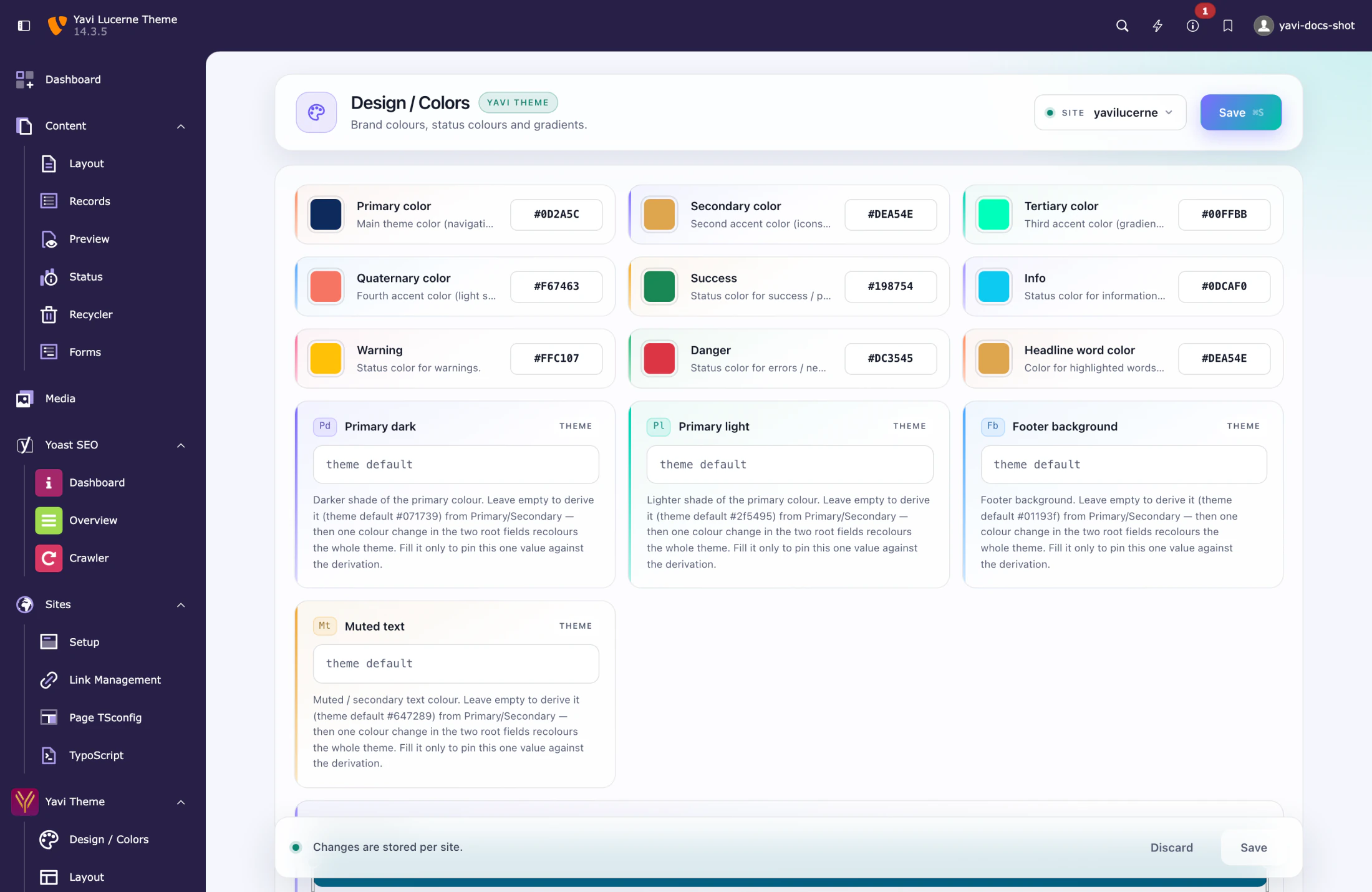
- A backend module with 82 settings across five pages, no TypoScript editing needed. See 06 — The backend module.
- Server-side licence validation. See 11 — Licence.